
A New Way to Stay Active: At-Home Fitness Tech
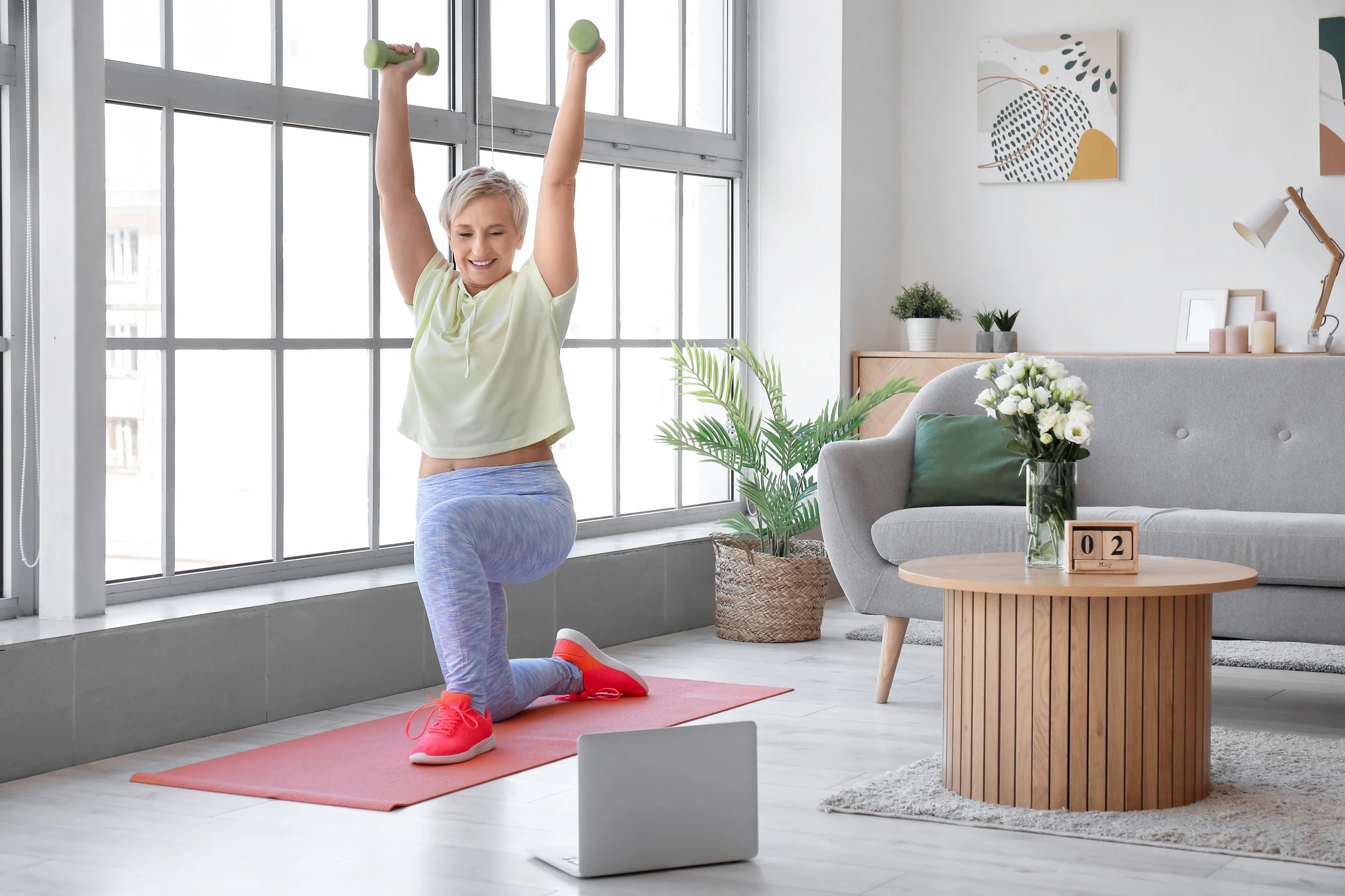
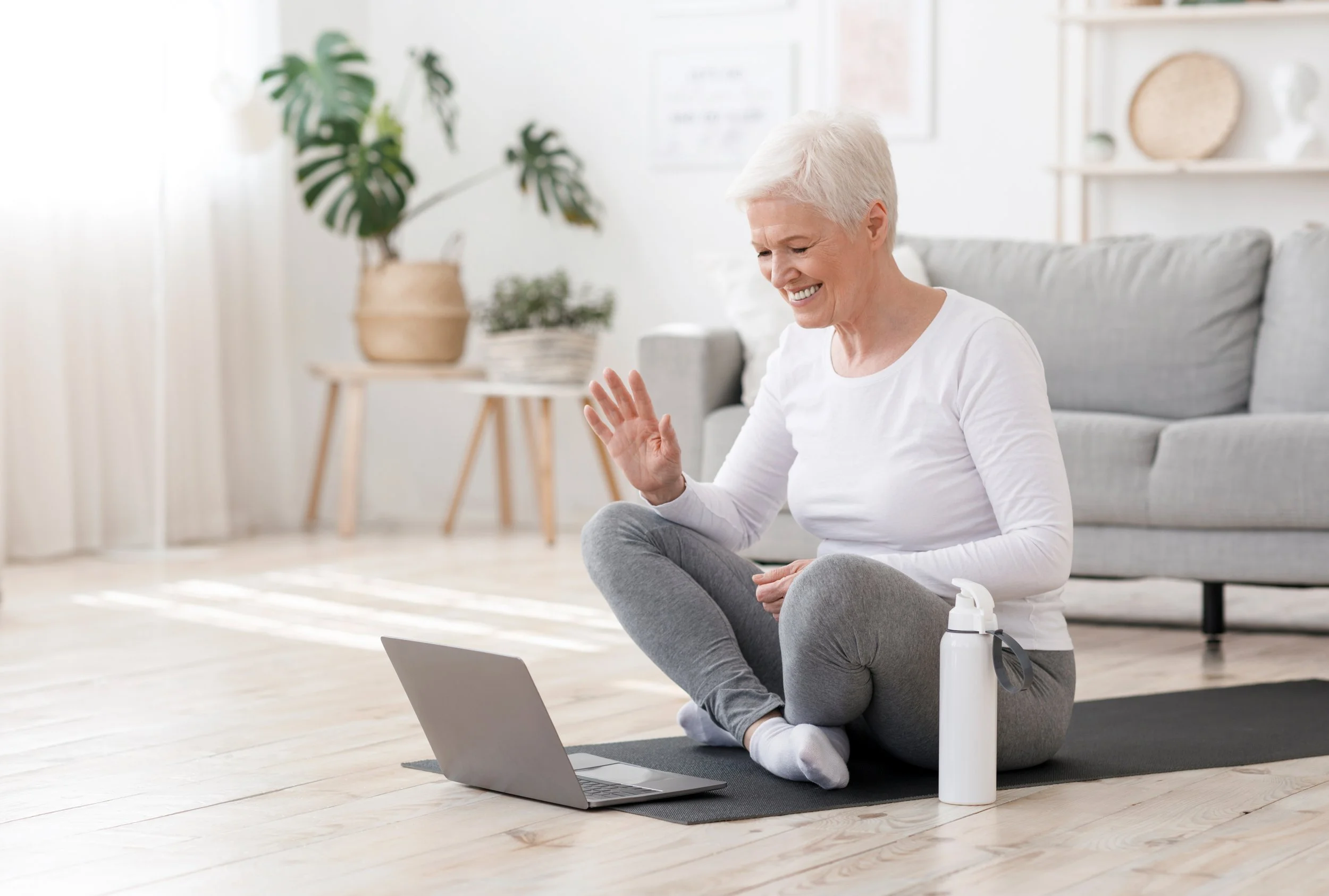
Imagine this: you’re in your own living room, wearing comfortable clothes, maybe with your favorite mug nearby, and a friendly instructor is guiding you through gentle movements right on your TV, tablet, or phone. No driving. No parking. No feeling self‑conscious in a crowded gym. Just you, at home, getting stronger, steadier, and more confident.
That’s the power of using technology for at‑home workouts. Fitness is no longer tied to a place. You don’t have to go somewhere to take care of your body, and you don’t have to figure it all out on your own. Support can now meet you where you are, often in the simplest way possible, right at home.
And before you think, “But I’m terrible with technology,” stay with me. This shift isn’t about becoming more technical or adding complexity. If anything, it’s about removing barriers and making movement feel more approachable, especially on the days when motivation is low. You just need a few simple steps, the willingness to try, and a little patience with yourself.
Why At‑Home Tech Workouts Are Taking Off
Over the last few years, working out at home has gone from a niche idea to a normal part of everyday life. People discovered that it’s often easier to press “play” on a class in the living room than to pack a bag, drive to the gym, and fit someone else’s schedule. For older adults and beginners, this shift has been a gift.
At home, there’s no transition time. No walking into a room and wondering if you belong there. You can choose classes that are truly designed for you: slower‑paced, low‑impact, sometimes even fully chair‑based. You can pause when needed and repeat the same simple routine until it feels familiar. Many programs now focus specifically on people over 50 or 60, with clear instruction, simple movements, and options for different fitness levels. Instead of trying to follow along with a 20‑year‑old jumping all over the place, you can pick a class where the instructor moves at a pace that feels doable and shows modifications you can actually use.
Over time, this approach shifts the focus away from intensity and toward something much more sustainable. You begin to see that it’s not about doing the hardest workout or the longest session. It’s about finding something that fits into your life well enough that you keep coming back to it.
Technology is what makes all of this possible—but the good news is that you don’t need to become a “tech person” to benefit. You just need to learn how to use one or two tools in a very simple way, the same way you learned to operate a microwave or TV remote.

Let’s Talk About Tech Fears
If you’ve ever thought, “I’m hopeless with technology,” you’re not alone. For some, the word “technology” can feel like a barrier in itself. It brings to mind complicated apps, passwords, updates, and a learning curve that doesn’t feel worth the effort. Many people feel nervous that they’ll hit the wrong button, break something, or get lost in a confusing menu. Others worry that online workouts are only for young, super‑fit people or that the setup will be too complicated.
Here’s the truth: for the kinds of programs we’re talking about, you need only a handful of basic skills. You need to know how to open an app or website, press a button to start a video, and adjust the volume. That’s it. You do not need to understand every menu, every feature, or every setting. You only need to learn the two or three things you’ll actually use.
Think of it like this: when you use a TV remote, do you use every button? Of course not. You probably use the power button, the volume, and maybe a couple of channel buttons. It’s the same with using technology for workouts. Once you’ve done it a few times, your fingers will know what to do almost automatically.
It’s also important to know that many fitness programs aimed at older adults take extra care to make their apps and websites as simple as possible. Some have big buttons, clear labels like “Beginner” or “Chair Class,” and straightforward menus. Others offer tutorial videos and phone support if you get stuck. You are not expected to figure it all out alone.
One of the big advantages of at‑home tech workouts is safety and control. You can pause anytime you want to catch your breath or replay a move. If a particular exercise doesn’t feel right for your joints, you can skip it. There’s no pressure to keep up with anyone else. You set the pace.
What You Actually Need (It’s Less Than You Think)
Let’s simplify the technology piece. You do not need a room full of fancy equipment. You probably already own most of what you need.
You’ll want one primary device to watch your workouts on. That might be a television with a streaming device (like a smart TV, Roku, Amazon Fire Stick, or Apple TV), a tablet, a smartphone, or a laptop/desktop computer. The “easiest to see” option is often the TV, because you can watch a class on a big screen from a comfortable distance. Tablets and phones are great if you like to keep the device close or take it into different rooms.
You’ll also need an internet connection, usually Wi‑Fi in your home. If you can already watch videos online, stream shows, or check email, you probably have what you need. If video freezes or pauses often, your internet provider can help you troubleshoot or adjust your plan.
As for equipment, you can start with almost nothing. A sturdy chair, a bit of open floor space, and comfortable shoes may be enough. Light weights, resistance bands, or even soup cans can be added later if and when you feel ready. Some people like to use headphones or wireless earbuds so they can hear instructions clearly without turning the volume up for the whole household.
Different Ways to Exercise at Home with Technology
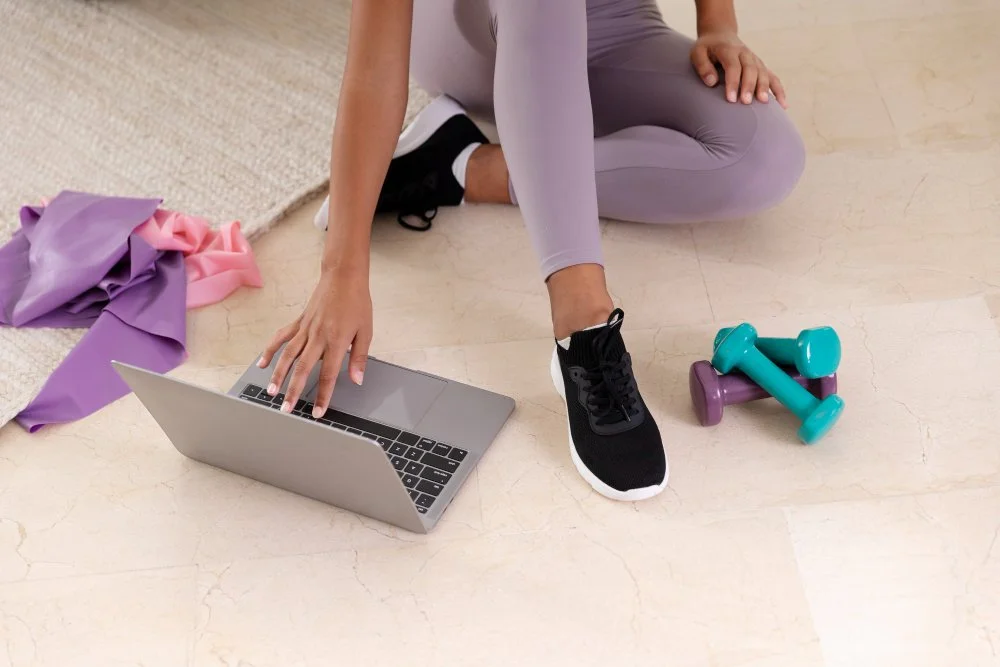
Once you have a device and an internet connection, there are several ways to bring guided movement into your home.
One of the easiest ways to begin is with a follow-along video. This approach requires very little preparation and almost no decision-making. Someone else demonstrates the movement, sets the pace, and creates a structure for you to step into.
A platform like YouTube has become one of the most accessible places to explore this. You don’t need an account to watch videos, and you don’t need to download anything to get started. You can simply go to YouTube and type in something like “10 minute gentle stretch” or “beginner workout at home.”
If you’d prefer not to search, you can begin with something like this gentle session from Yoga with Adriene, which is known for its calm, approachable style: Yoga For Complete Beginners - 20 Minute Home Yoga Workout! Or if walking feels more natural, an indoor walking workout like this one from Denise Austin offers a simple way to get your body moving and heart rate up without needing much space: 10-Minute Interval Walking Workout With Denise Austin.
What makes this approach work is that it removes pressure. You can try a few minutes, pause when you need to, or stop altogether and return later. There’s no expectation beyond simply beginning.
After a little time, some people find themselves wanting a bit more direction. Instead of choosing a different video each day, it can feel helpful to follow something that’s already been planned out.
This is where structured streaming video class programs come in. These are pre‑recorded workouts you can play anytime you like. You press “play,” follow along, and pause if you need a break. Programs like SilverSneakers On‑Demand offer a wide variety of classes designed for older adults, including strength, balance, flexibility, and even dance‑style workouts you can do at home. You can explore their offerings and see if you’re eligible at the SilverSneakers site.
Then there are smartphone and tablet apps. These can be wonderful if you like having everything in one place. Programs offered through apps like Nike Training Club or Peloton are designed to guide you over time. Rather than asking you to decide what to do each day, they lay it out for you in a way that builds gradually.
You might open the app and see a short strength session one day, a stretch or mobility session the next, and a rest day built in after that. The decisions are already made, which allows you to focus on simply showing up. If you decide to try something like this, the process is usually straightforward. You would download the app onto your phone or tablet, create a basic account, and choose a beginner-level option. Many of these programs offer free access or trial periods, which allows you to explore without committing right away.
Bringing in a Sense of Connection
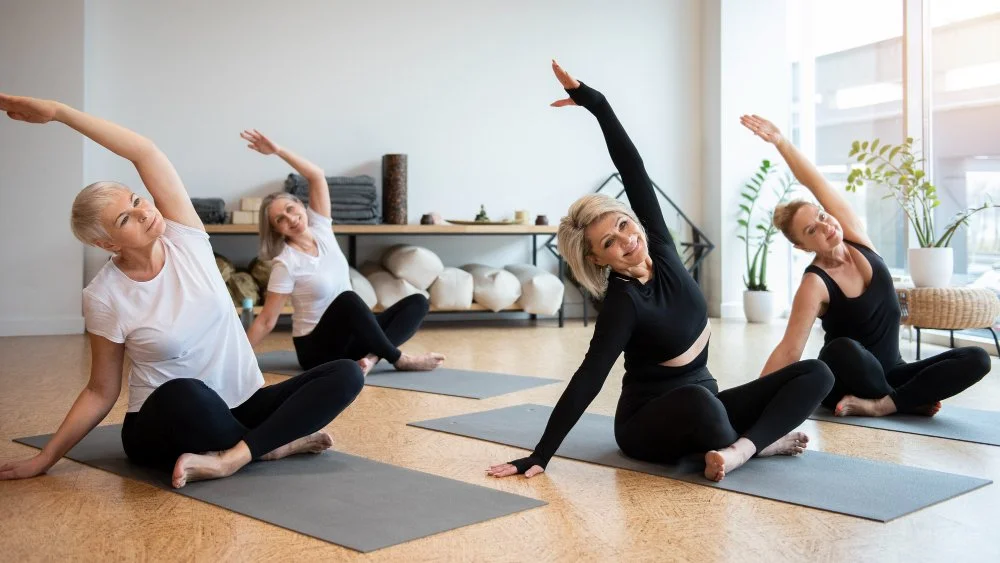
While many people appreciate the independence of at-home workouts, others miss the feeling of being part of something. This is where live online classes can offer a middle ground.
These classes are often hosted through platforms like Zoom or through fitness apps that include scheduled sessions. You sign up ahead of time, and at a certain hour, you join a class where an instructor guides you in real time. It can feel more like attending a group class at a gym, but you’re still at home.
What’s interesting is that you can usually choose how visible you want to be. Some people turn their cameras on and interact, while others simply follow along quietly from their own space.
Many local gyms, community centers, and YMCAs now offer these options. Sometimes all it takes is a phone call or a quick look at their website to see what’s available.
Step‑by‑Step: How to Get Started If You’re Not Tech‑Savvy
Let’s walk through what it might look like for you to start, step by step.
First, think about what you want and what your body needs. Maybe you want to feel steadier on your feet so you’re less worried about falling. Maybe you’d like to be able to get up from a low chair more easily, climb stairs without stopping, or keep up with grandkids. It helps to have a simple, personal reason to keep you motivated.
If you have any medical conditions—such as heart issues, recent surgery, or significant joint pain—it’s wise to talk with your healthcare provider before starting something new. You can let them know you’re planning to do guided, at‑home workouts designed for older adults and ask if there are any movements you should avoid.
Next, decide how comfortable you feel with technology right now. If you prefer the simplest route, using your TV might feel best. You could use a streaming device (such as Roku or a smart TV) to open an app that hosts exercise videos. Many people find this similar to choosing a show on Netflix. Once someone helps you install the app the first time, you can simply navigate to that app and select a class.
If you’re okay using a smartphone or tablet, you can download an app like SilverSneakers GO or, if your insurance plan includes it, the PEAR for Renew Active app. These apps are designed to be used regularly, so once you’ve signed in, you’ll usually see “Start workout,” “Programs,” or “Classes” right on the main screen.
Here’s a very simple version of what “setting up your first workout” might look like:
You (or a family member) open the app or website and create an account using your email address. Once logged in, you look for categories like “Beginner,” “Low impact,” “Gentle,” “Chair,” or “Balance.” You choose a class that looks doable, maybe 10–20 minutes long. You place your device where you can see it clearly—on a table, a TV stand, or a shelf—and make sure the floor around you is clear. You press play. If the instructor moves too quickly or you miss a step, you pause, take a breath, and start again.
Some people find it helpful to create a little “cheat sheet” and tape it near the TV or device. The cheat sheet might say: “1. Turn on TV. 2. Press Home. 3. Arrow to SilverSneakers app. 4. Press OK. 5. Select ‘Beginner class’ and press play.” Once you’ve done this a handful of times, you’ll likely need the cheat sheet less and less.
To build consistency, begin conservatively. Maybe you start with two or three short sessions a week—say Monday, Wednesday, and Friday—for 10–20 minutes. You can set a reminder on your phone, write it in your calendar, or attach the habit to something you already do. For example, “After I have my morning coffee, I’ll do my 10‑minute balance video.” Over time, you can add more days or longer sessions as you feel stronger.
Safety, Modifications, and Listening to Your Body
As with any movement practice, safety comes first. Before each workout, take a moment to set up your space. Have a sturdy chair nearby. Make sure the floor is clear. Keep water within reach. If you use an assistive device like a cane or walker, ensure it’s close at hand in case you need extra support.
Many senior‑focused programs, including SilverSneakers, Bold, and other similar offerings, build modifications right into the class. You’ll see instructors demonstrating seated options or gentler variations of more challenging moves. Take those options whenever you need them. There is no prize for doing the hardest version. The “right” version is the one that feels safe and sustainable for your body.
Learn to recognize your internal safety signals. It’s normal to feel your heart rate go up, to breathe a bit heavier, and to feel your muscles working. But if you feel sharp pain in a joint, chest pain or pressure, unusual dizziness, or extreme shortness of breath, it’s time to stop and rest. If those symptoms don’t ease or feel concerning, reach out to a healthcare professional.
A Resource Many People Already Have
There is one piece of this conversation that is often overlooked, and it may be the most important of all.
Many people already have access to fitness programs through their health insurance at no extra cost and don’t realize it.
Insurance providers such as Blue Cross Blue Shield and Kaiser Permanente frequently include wellness benefits that cover gym memberships, online classes, apps, and guided fitness programs. These aren’t always advertised clearly, which is why they’re easy to miss.
The simplest way to find out is to call the number on your insurance card and ask if your plan includes fitness or wellness benefits. That one question can open the door to resources you’re already paying for.
Many at‑home workouts through Medicare Advantage and some Medigap plans are offered at no extra cost. Two big names you’ll hear often are SilverSneakers and Renew Active. SilverSneakers is a fitness program created specifically for adults 65 and older.
In addition to gym access, SilverSneakers offers online options like SilverSneakers On‑Demand and SilverSneakers LIVE classes you can do from home. You can check if you’re eligible by visiting their eligibility page and entering some basic information. If you prefer, you can also call the customer service number on the back of your insurance card and ask, “Do I have SilverSneakers as part of my plan?” If you do, they can guide you on how to create a SilverSneakers account and access the online workouts.
Renew Active is a fitness program available through many UnitedHealthcare Medicare Advantage plans. It often includes access to gyms plus digital fitness tools and online workouts. Renew Active partners with services like Bold and PEAR to offer personalized at‑home exercise programs. To get started with Renew Active, you would log into your UnitedHealthcare member website and look for the Renew Active section. They provide you with a confirmation code, which you then enter on the partner site (such as Bold or PEAR) to unlock full access. You can learn more about Renew Active here.
Other Medicare Advantage carriers may offer similar benefits under different names. The simplest approach is to call your plan’s customer service and say: “I’m interested in fitness programs I can use at home—online classes, apps, or at‑home workouts. What does my plan offer?” Ask specifically about programs designed for older adults, as these often include safe, beginner‑friendly classes.
Free and Low‑Cost Options Beyond Insurance
If your insurance doesn’t offer a fitness benefit, or you’d like extra variety, there are plenty of free and low‑cost options. Many local YMCAs, senior centers, and community organizations now provide virtual fitness classes. Your local YMCA’s website is a good place to start; you can also call and ask whether they offer online or streaming classes for older adults.
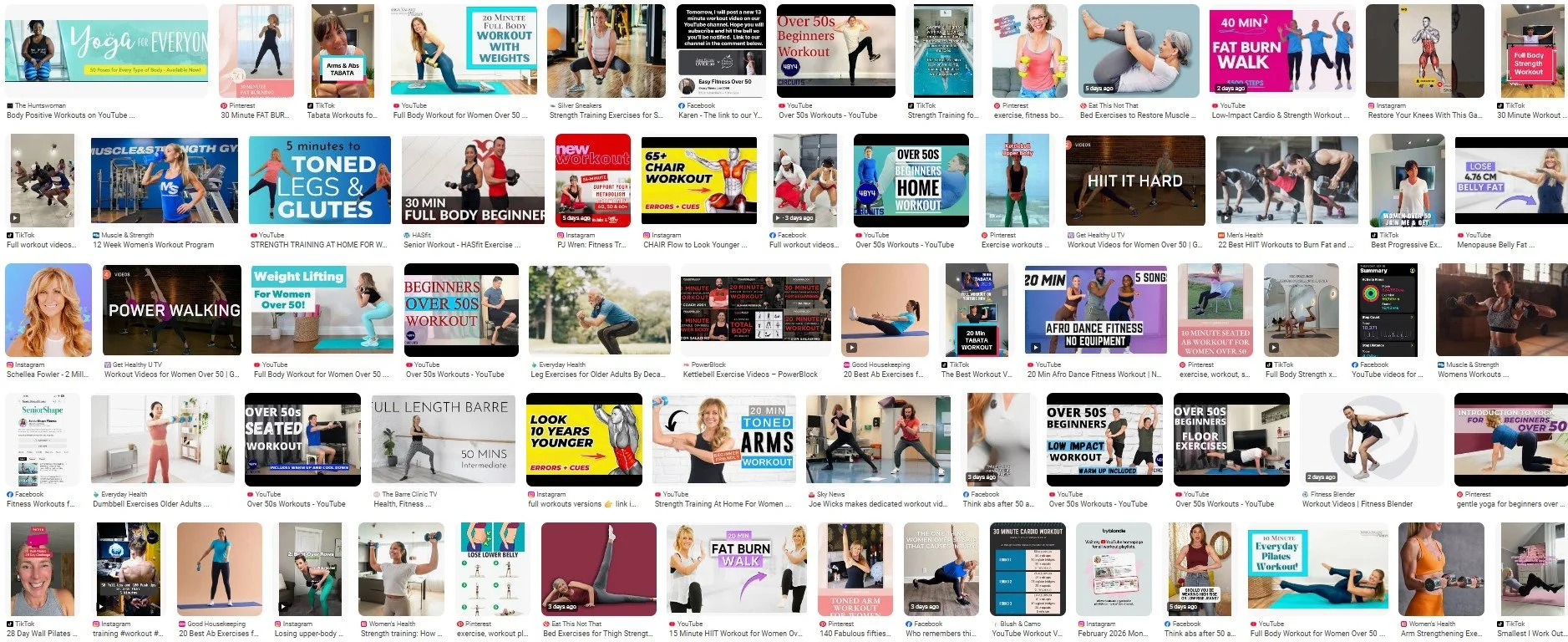
YouTube is another powerful resource, especially if you know what to search for. You can type phrases like “beginner senior workout,” “chair exercise for seniors,” “standing low impact cardio,” or “gentle yoga for older adults.” Look for channels that clearly focus on safety, modifications, and appropriate pacing. Once you find a few instructors you like, you can bookmark or “subscribe” to their channels so they’re easy to find next time.
Some public libraries also partner with digital services that include workout videos as part of their free online offerings. Check your library’s website or call and ask whether they offer any streaming fitness platforms with your library card.
How Family and Caregivers Can Help
If the idea of setting all this up feels like a lot, remember that you don’t have to do it alone. Family members, friends, or caregivers can play a huge role in getting the technology in place so you can simply “show up” to your home workouts.
You might ask a tech‑comfortable child, grandchild, or neighbor to install the needed apps, create your accounts, and arrange a simple home screen on your TV, tablet, or phone. They can set up shortcuts so that, with a few taps or clicks, you’re right where you need to be. They can also help you create that cheat sheet listing the exact steps, in order, to start your favorite workout.
Caregivers and family can also help with the physical setup: clearing clutter from the floor, securing loose rugs, ensuring good lighting, and positioning the device so you can see the screen without straining your neck. Some families even schedule a regular “workout date,” either in person or over video chat, where they do the same class together and encourage each other.
When Resistance Shows Up
There will be moments when it feels harder. You might feel unsure about the technology or question whether you’re doing the “right” thing.
In those moments, it helps to come back to something simple.
You don’t need to master the system. You only need to use it in a way that supports you.
You don’t need variety. You can repeat the same routine until it feels comfortable.
And you don’t need constant motivation. Structure will carry you further than motivation ever will.
Bringing It Back to Real Life
Technology can guide you, but it doesn’t replace your own awareness.
It doesn’t replace the feeling of moving in a way that feels good in your body. It doesn’t replace stepping outside for fresh air or finding small ways to move throughout your day.
Those moments matter just as much.

A More Supportive Way to Stay Active
You don’t need a gym membership to begin. You don’t need a complicated system or the perfect plan.
What you need is a way to make movement feel possible in your life as it is right now.
Technology, when used simply, can support that. It can offer guidance, structure, and a sense of direction without adding pressure.
And over time, what begins as something you try becomes something you return to. Not because you have to, but because it fits. And that’s where real change begins.
Picture yourself weeks from now, feeling more stable on your feet, walking with a bit more ease, and knowing that you made this happen from your own living room. Technology is simply the helper. You are the one doing the brave, meaningful work.
And you are absolutely capable of doing it.

Let’s get cooking!
This is an opportunity to bring the same ease into your kitchen that you’re creating with movement. Keep it simple, stay present, and allow the process to feel supportive rather than rushed or complicated. It begins with one meal.
Moroccan Kale and Black Lentil Salad
Moroccan Kale and Black Lentil Salad redefines what a salad can be. It’s not just a mix of ingredients, but a thoughtfully composed dish where each element adds depth and balance.
Black lentils create a hearty base, paired with finely chopped kale that’s been gently softened to keep its structure while becoming more tender. Crisp cucumber and celery bring freshness and crunch, while red onion adds a subtle sharpness.
The Moroccan influence comes through in the balance of flavors. Medjool dates add soft sweetness, complemented by bursts of pomegranate for brightness. Fresh herbs—parsley, cilantro, and mint—lift the entire dish, adding a clean, vibrant finish.
The dressing ties everything together. Warm spices like cumin, coriander, cinnamon, and ginger are balanced with lemon and orange juice for brightness. Preserved lemon paste blends in smoothly, adding a deep citrus note that enhances the salad without overpowering it.
Avocado adds a creamy contrast, while toasted nuts bring texture. Optional olives can be included for a more pronounced sweet-salty balance.
Let the salad rest briefly before serving. The flavors settle, the kale softens further, and everything comes together into a dish that feels grounded, fresh, and complete.

Moroccan Kale and Black Lentil Salad
Ingredients
- For the lentils:
- 1 cup black lentils (Beluga), rinsed
- 2 ½ cups water
- 1 bay leaf
- 1 garlic clove, smashed
- Salt, to taste (after cooking)
- Moroccan Citrus-Spice Dressing
- ⅓ cup extra virgin olive oil
- 3 tbsp fresh lemon juice
- 3 tbsp fresh orange juice
- 1-2 tsp honey or maple syrup
- 1 tsp ground cumin
- ½ tsp ground coriander
- ½ tsp smoked paprika
- ¼ tsp cinnamon
- ¼ tsp ground ginger
- 1½–2 tsp preserved lemon paste
- ⅛ tsp garlic powder
- Freshly ground black pepper, to taste
- Salt only if needed (taste first)
- For the salad:
- 3 cups kale, stems removed, finely chopped
- ¼ cup fresh parsley, chopped
- ¼ cup fresh cilantro, chopped
- 2 tbsp fresh mint, finely sliced
- ¼ cup red onion, very thinly sliced
- ½ cup diced celery
- ½ cucumber, diced
- ½ cup pomegranate arils
- 3 Medjool dates, finely chopped
- 1 ripe avocado, diced
- ¼ cup toasted almonds or pistachios, chopped
- Optional:
- ¼ cup green or oil-cured olives, chopped
- ¼ cup crumbled goat or feta cheese
Instructions
- Combine lentils, water, bay leaf, and garlic. Bring to a boil, then simmer 20–25 minutes until tender but intact. Drain if needed, remove bay leaf, and let cool. Season lightly with salt.
- While the lentils are cooking, whisk the dressing ingredients together in a small bowl until smooth. Taste and adjust: add more citrus if it feels too deep, a touch more sweet if needed, likely no additional salt.
- Place the kale, parsley, cilantro, and mint in a large bowl. Add about 3 tablespoons of the dressing and a pinch of salt. Massage vigorously for 1-2 minutes until softened and deep green.
- Add cooled lentils to the kale along with red onion, celery, cucumber, dates, pomegranates, nuts, and olives if using. Pour remaining dressing over the salad and toss thoroughly. Let sit for 10-20 minutes to allow flavors to blend.
- Gently fold in avocado and goat cheese if using.
- Divide into serving bowls and garnish with additional pomegranate, nuts, and cheese if desired.
Blueberry Pumpkin Cottage Cheese Sheet Pan Pancake
This Blueberry Pumpkin Cottage Cheese Pancake is a simple, one-pan way to bring a little ease into your kitchen. Instead of standing at the stove flipping pancakes, everything comes together in a blender, gets poured into a dish, and bakes into soft, sliceable squares.
The texture is tender and lightly custardy from the cottage cheese, with just enough structure from oat and almond flour to hold together without feeling heavy. Pumpkin adds moisture and depth, while fresh lemon zest lifts the flavor, keeping it bright rather than overly spiced. Blueberries dot each bite with a gentle sweetness that balances everything out.
It’s the kind of recipe that works quietly in the background of your week—easy to make, easy to portion, and just as good warm from the oven as it is the next day. Whether you enjoy it for breakfast, a snack, or something in between, it’s a practical way to have something nourishing ready without much effort.
Blueberry Pumpkin Cottage Cheese Sheet Pan Pancake
Ingredients
- 1 cup cottage cheese
- ¾ cup pumpkin purée
- 2 large eggs
- 1 tsp vanilla extract
- 2 tbsp maple syrup or honey
- Zest of 1 lemon (about 1–2 teaspoons)
- ¾ cup oat flour (or finely ground oats)
- ¼ cup almond flour
- 1 tsp baking powder
- ½ tsp baking soda
- 1 tsp cinnamon
- ¼ tsp ground ginger (optional)
- Pinch of salt
- ¾–1 cup blueberries (fresh or frozen, do not thaw if frozen)
Instructions
- Preheat oven to 375°F. Lightly grease or line a rimmed 9x13 baking sheet pan with parchment paper.
- In a blender, combine cottage cheese, pumpkin, eggs, vanilla, maple syrup, and lemon zest. Blend until smooth.
- In a bowl, whisk together oat flour, almond flour, baking powder, baking soda, spices, and salt.
- Pour the blended mixture into the dry ingredients and stir until just combined.
- Gently fold in the blueberries.
- Pour batter into the prepared pan and spread evenly to about 1/2 inch thick.
- Bake for 15–20 minutes, or until the center is set and the edges are lightly golden. Adjust baking time with larger or smaller baking pan.
- Serve warm with a drizzle of maple syrup, a spoonful of Greek yogurt, or just as-is for an easy grab-and-go snack.
Notes
- If using frozen blueberries, don’t thaw—add them straight in to avoid excess moisture.
- For cleaner slices, let it cool slightly before cutting.
- If it feels too soft, bake an extra 2–3 minutes—it will continue to firm as it cools.
There you have it!
Technology doesn’t have to complicate things—it can just as easily make them more accessible. When it’s used in a way that fits your life, it becomes something you can lean on rather than resist.